

The office and the field, finally on the same page.
Organizevia connects your team, tasks, and photo records in one place — so property, care, and facilities teams always know what's done, what's next, and what happened on site.
4B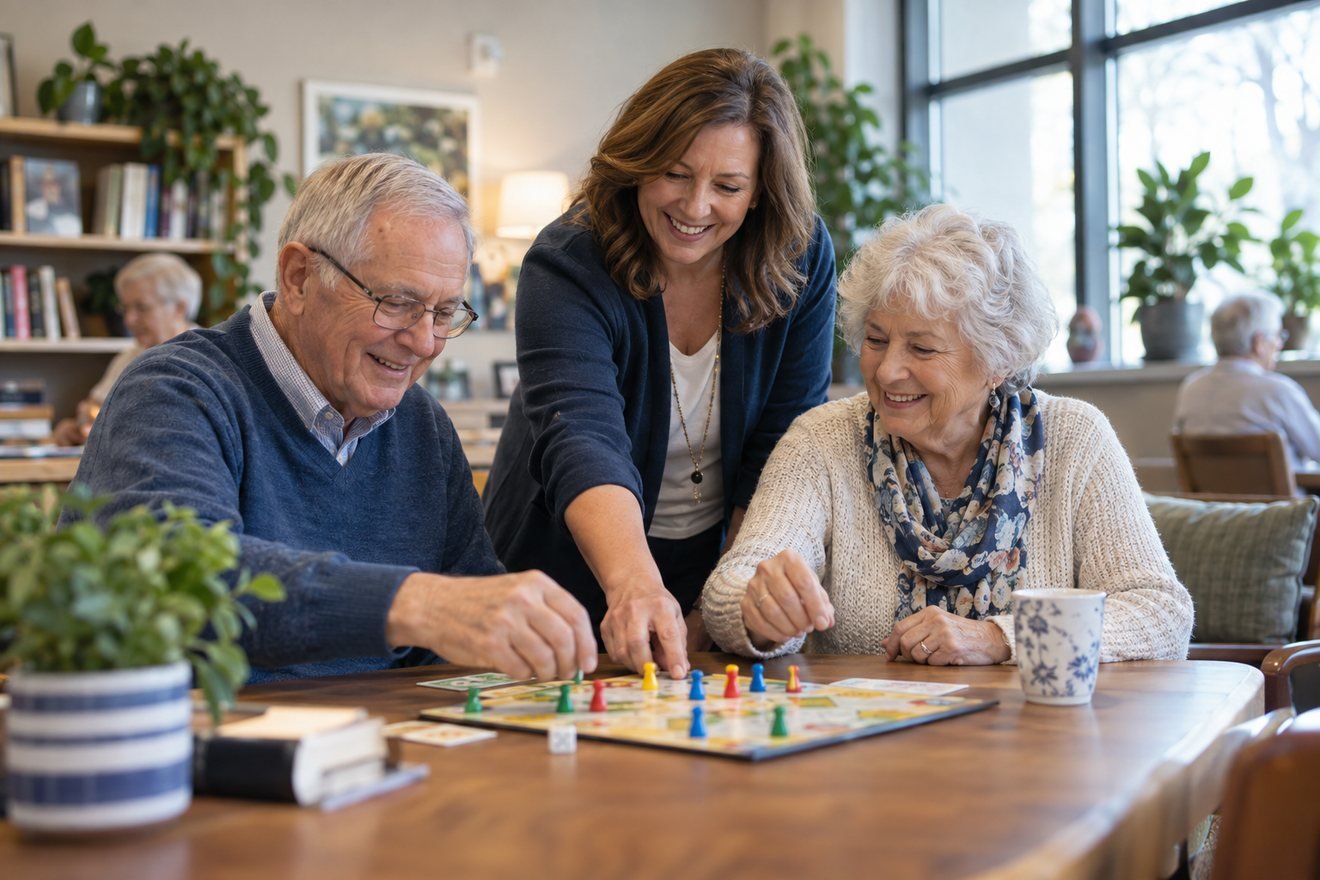 Lobby
Lobby Roof
RoofEverything your team needs on site — in one app
Organizevia brings together the four things that fall through the cracks when work happens away from a desk.
Tasks
Assign, schedule, and track work across every site — so nothing gets missed and everyone knows what's next.
Photos
Time-stamped, location-tagged photo records for every visit. Proof of work, without the group texts.
Files
Checklists, documents, and records organized by site, ready for the whole team the moment they need them.
Team
Roles, updates, and coordination that reach the right person — on site or back at the office.
Coordination shouldn't live in group chats
When your work happens across buildings, homes, and sites, the office is always a step behind. The details scatter — and the follow-up falls on you.
One place the whole team can trust
Every task, photo, and record is tied to a site and visible to the people who need it — updated the moment it happens, on any device.
Up and running in three steps
Set up your sites
Add the buildings, homes, or locations your team manages. Invite staff and set who can see what.
Assign & document
Your team gets their tasks on their phone, checks them off on site, and snaps photos that log automatically.
Stay in sync
The office sees progress in real time — with a clean record of every visit, ready to share or report.
Every visit, documented automatically
Snap a photo on site and Organizevia stamps it with the time, location, and site — then files it where your whole team can find it. No more asking "which unit was that?"
BeforeAfterKnow what's done — without asking
Assign recurring and one-off tasks by site, set due times, and watch progress roll in as your team checks things off. The office finally has the full picture, live.
One app, tuned to how your team works
Organizevia fits the day-to-day of the teams that keep places running.
Property Management
Turnovers, inspections, maintenance, and vendor visits — documented across every unit.
ExploreChildcare
Daily checklists, safety rounds, and shift handoffs that keep every room accountable.
ExploreSenior Care
Room checks, care tasks, and a clear record of what happened, when, and by whom.
ExploreOffice & Facilities
Opening and closing routines, maintenance, and on-site requests across every floor.
ExploreBefore Organizevia, half my day was chasing down whether things actually got done. Now I open one screen and I know — with the photos to back it up.
Illustrative quote — replace with a real customer story before launch.
Bring your sites and your office together
Start free today. Add your first site, invite your team, and see everything happening on the ground — in minutes.